Invite Your Friends to IPEVO!
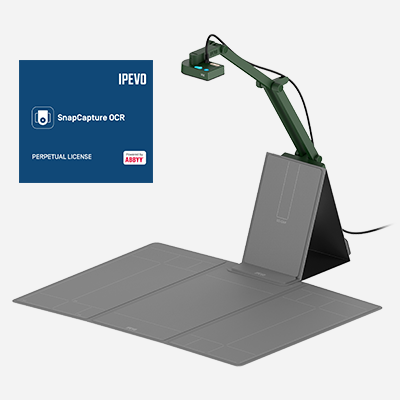
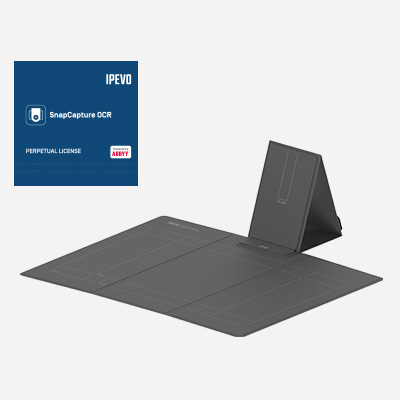
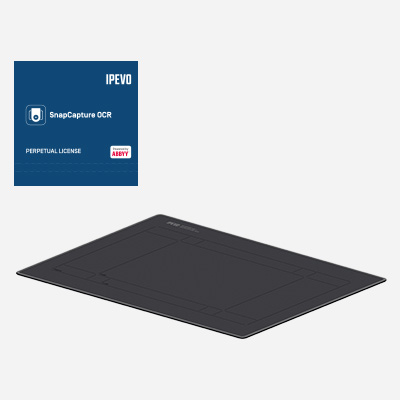
Experience SnapCapture OCR: Get Up to 6 Months FREE of AI Scanning & Editing.
more


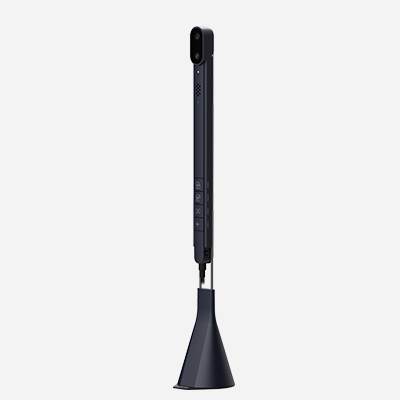
Ultra-Fast Scanning One Page per Second
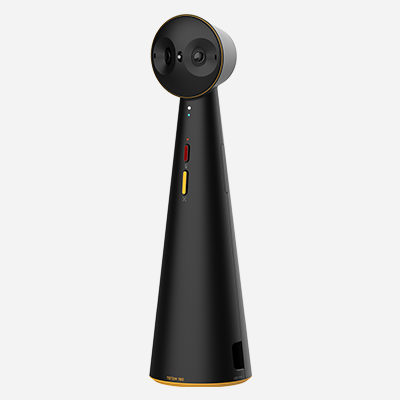
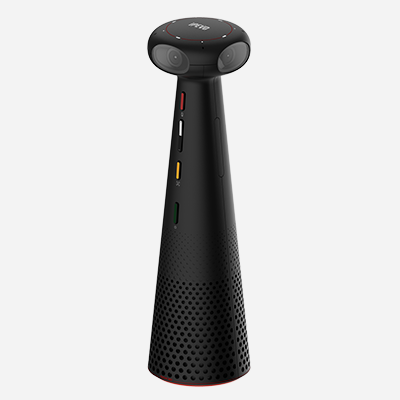
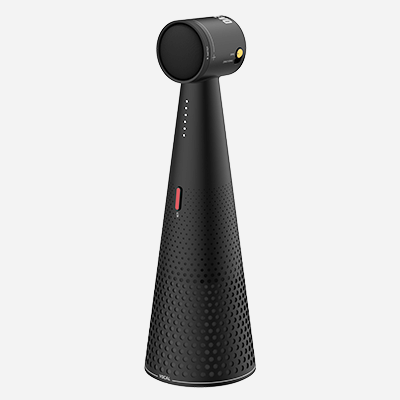
All-in-one 360° Video and Sound
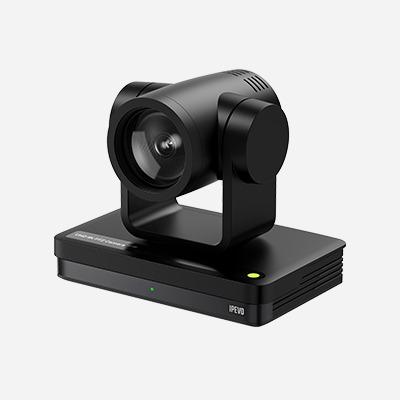
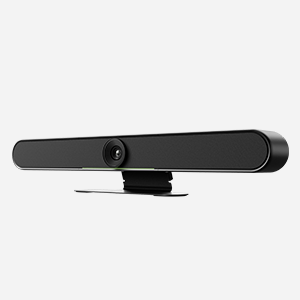
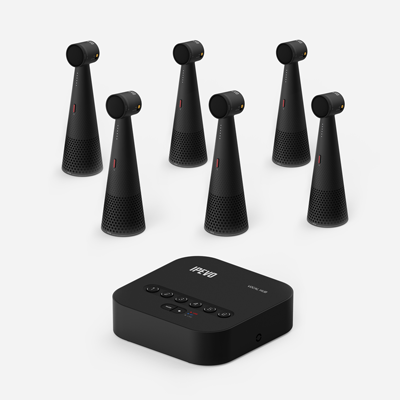
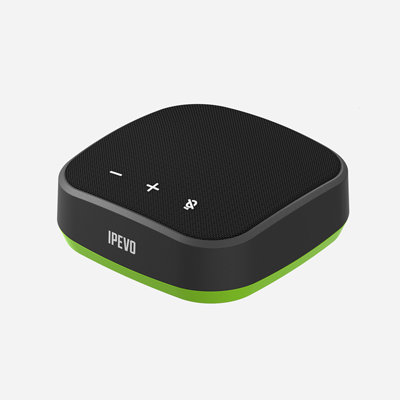
Easy setup conferencing equipment for big or small meeting rooms empowers collaboration, ensuring everyone is seen and heard.
IPEVO's educational tools seamlessly integrate with platforms, devices, and meet teacher, student, and IT needs effortlessly.
Unlock creators' potential and fuel their passions, unleashing creativity easily and swiftly.
Be present in every moment. Enjoy the lightweight, space-saving design for seamless use anytime and anywhere.