Find out how the Point 2 View USB Document Cam can work for you and your students by visiting Point 2 View’s product page, or contact a sales representative.
An Affordable Document Cam
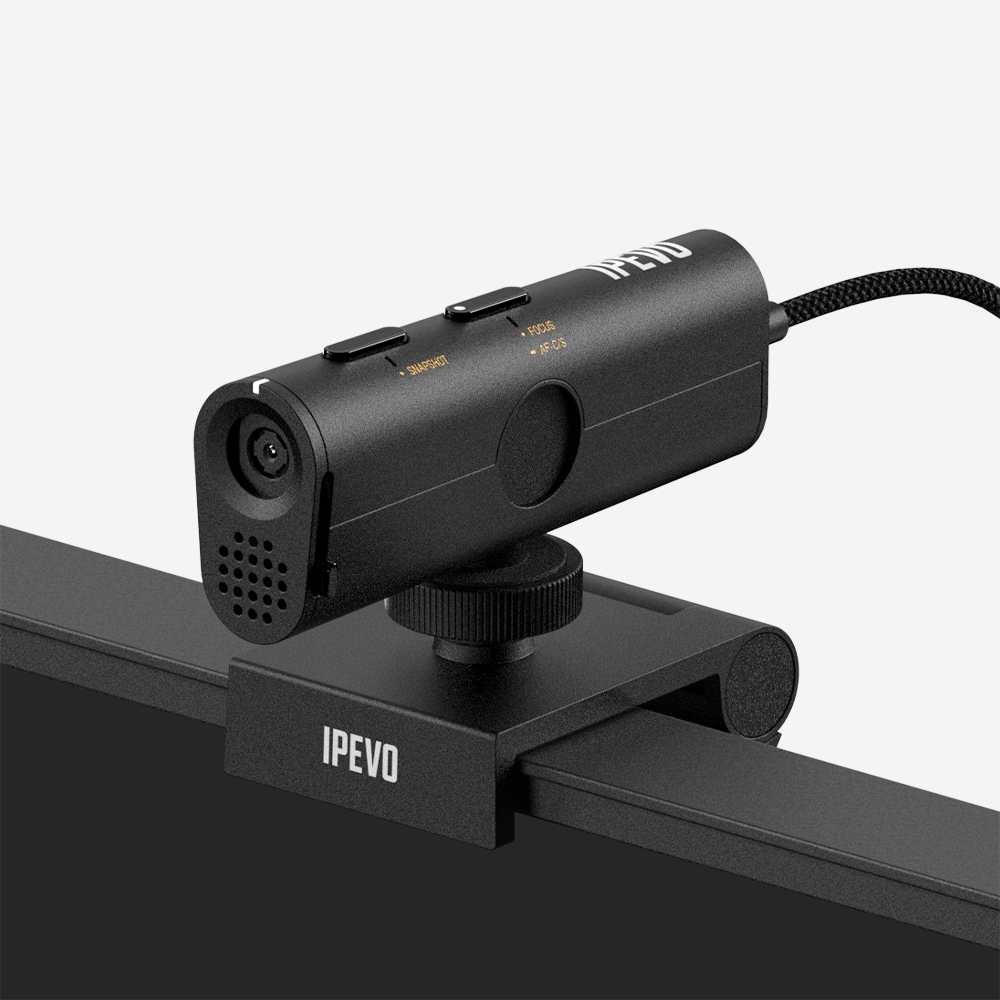
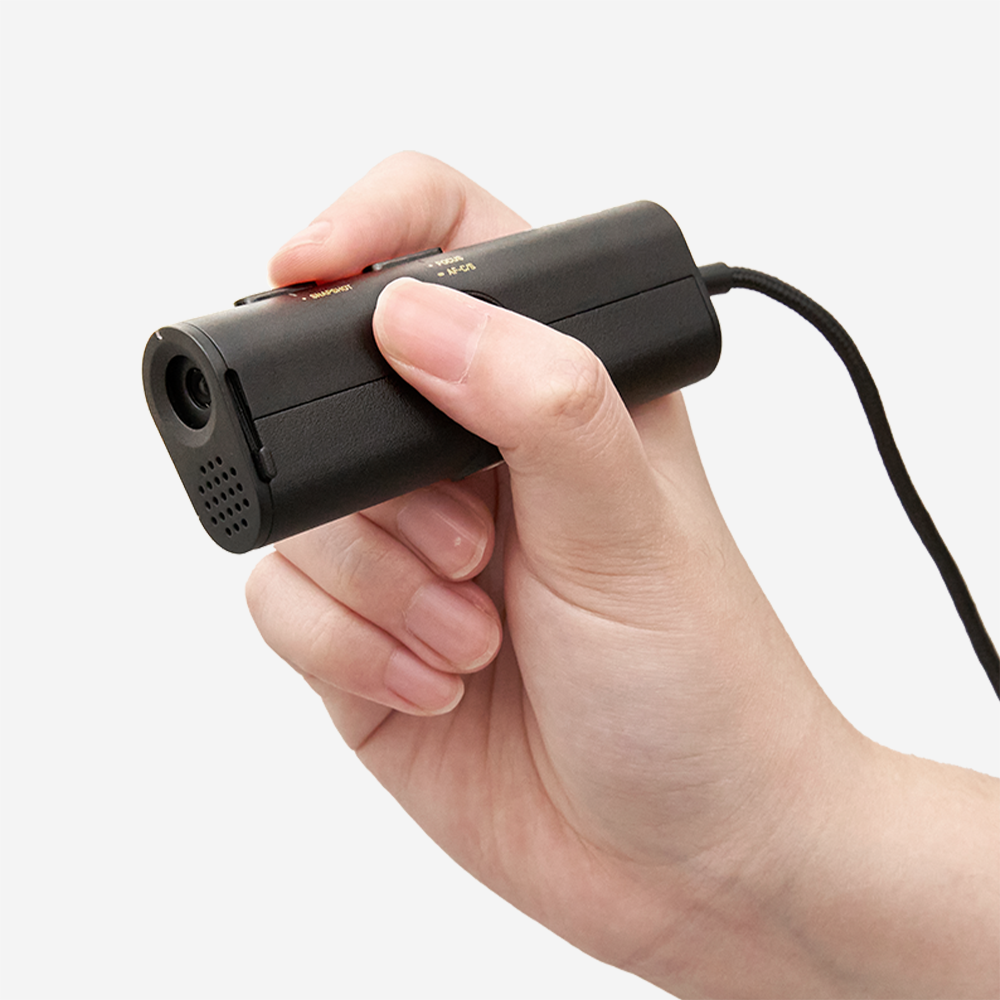
Available at a fraction of the cost of the usually expensive and cumbersome document cams, the IPEVO Point 2 View (P2V) USB Camera is an affordable and easy-to-use alternative to make your classroom and presentations more interactive and dynamic. Simply plug the P2V in to your existing Mac or Windows computer connected to a projector and use the P2V to display notes, math problems, maps, and share printed articles and clips without having to spend money on copies.
Versatile Live Image Projector
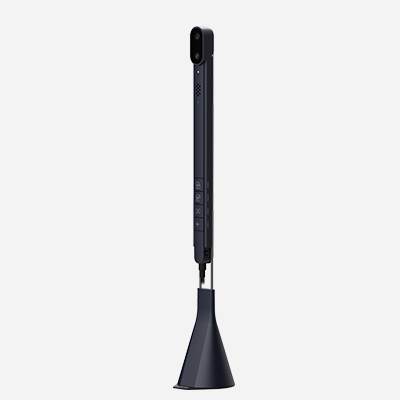
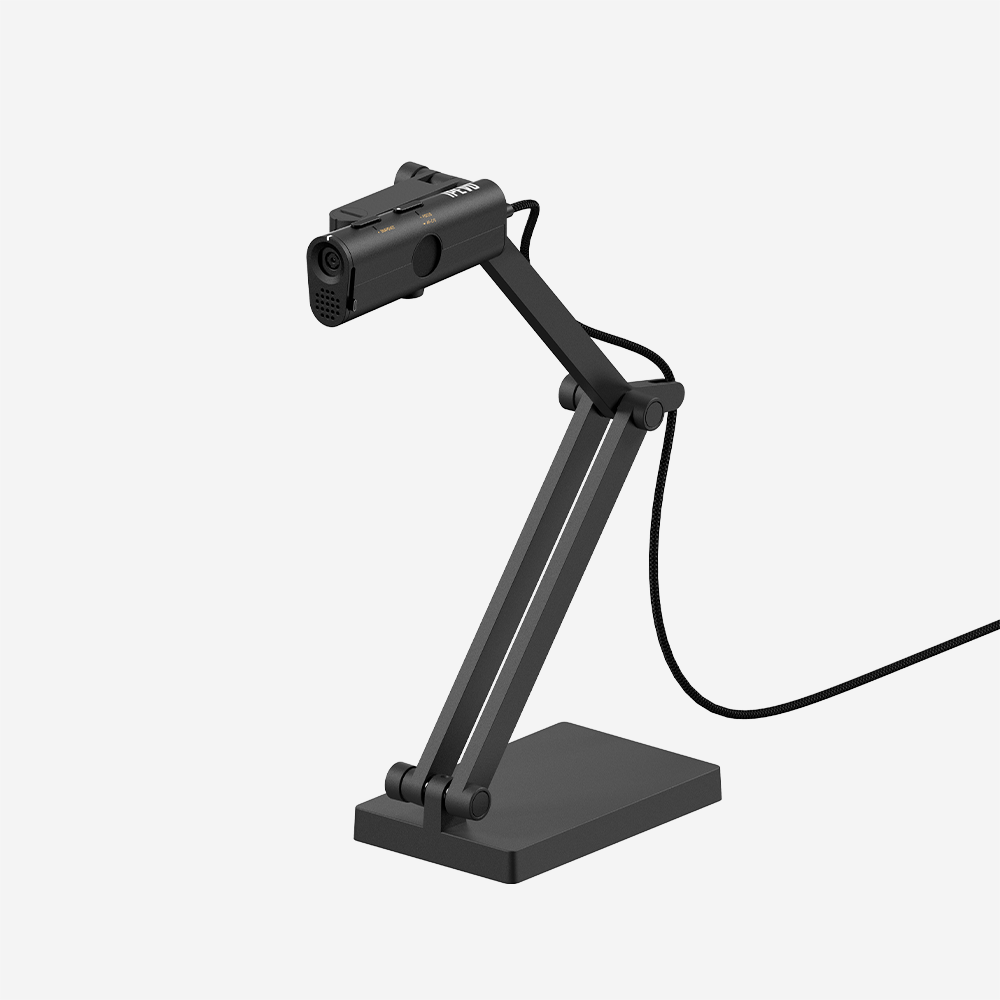
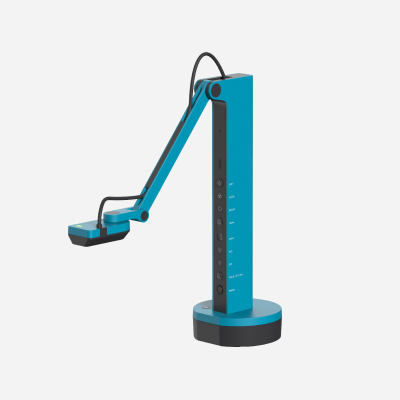
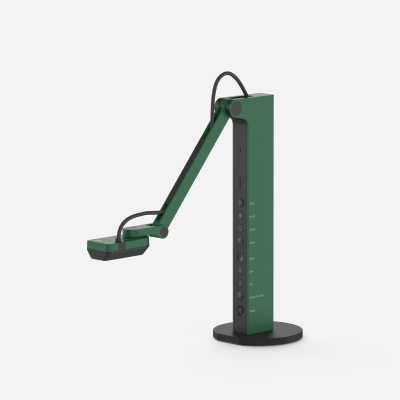
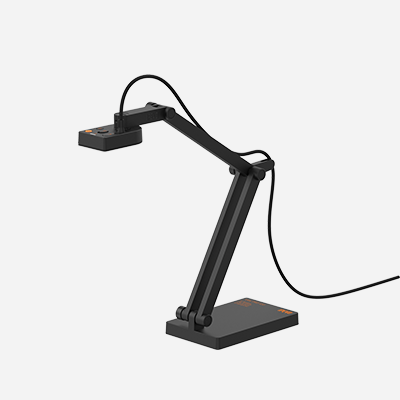
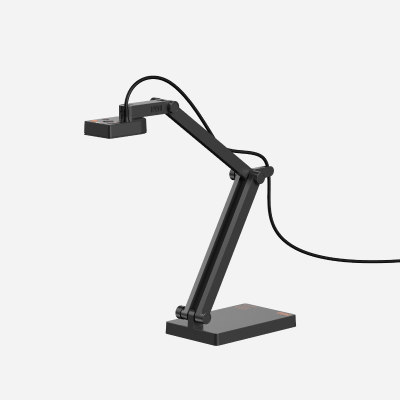
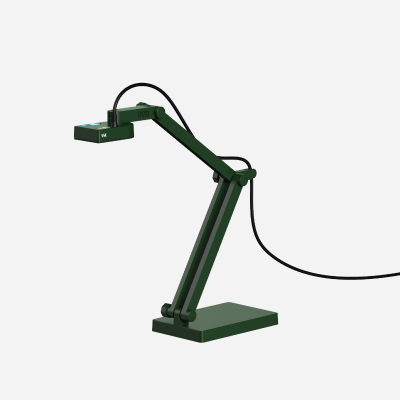
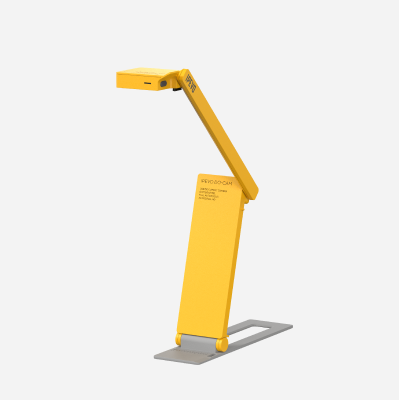
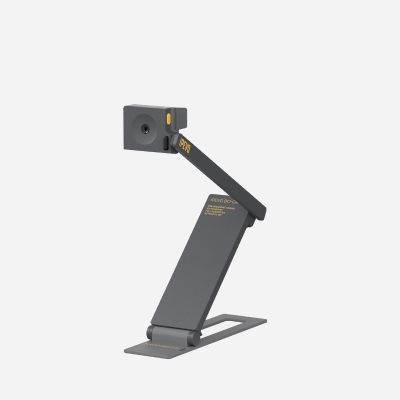
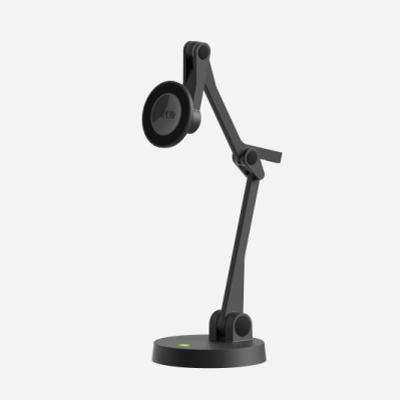
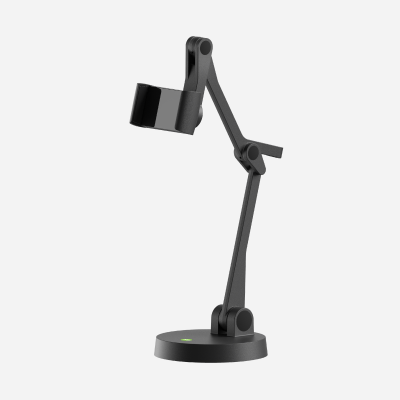
Featuring a solid weighted base and multi-jointed stand, the P2V brings an extra dimension to your presentation. In addition to showing printed notes and articles, the P2V can be used to show 3-dimensional objects at any angle—ideal for subjects like Science, Geometry, and Art classes.

IPEVO Point 2 View (P2V) USB Camera

Get a Lot Closer
With its high-resolution 2.0-megapixel CMOS sensor and full autofocus lens, the P2V USB Camera delivers great image quality even when projected onto the big screen. With a Macro focus as close as 1.5" (5cm), you can zoom into the specific details you want to present.

One-Click Image Capture
Coupled with the included snapshot software, snap images from the class and use the images for study guides and tests, or incorporate into PowerPoint presentations.

Webcasts and Video Chats
The P2V is a USB 2.0 Video Class (UVC) device, which means it is plug-and-play on Macs and Windows PCs (see System Requirements), and compatible with most video conferencing and web-casting softwares including Skype, Google Talk, Windows Live Messenger, iChat, Yahoo! Messenger, and AIM.


We've got great responses from the participants at the TechEd convention in Pasadena, California. We'd like to share with you some of the cool ideas for the P2V that educators have talked to us.

  • One gentleman purchased a camera for a family member who is legally blind. With the Point 2 View’s excellent macro mode, as well as 3x digital zoom, text can be displayed very large and clear on a projection screen for those with vision problems.
  • One teacher was excited about the Point 2 View for its portability, considering she conducts mobile teaching sessions for organizations like the Boy Scouts of America and the National Park Service in remote wilderness areas. Instead of lugging around the usual huge document reader, she can carry the featherweight Point 2 View instead.
  • On a related note, we heard from many teachers about the possibilities for the Point 2 View in e-learning and remote teaching environments. One educator purchased a camera for joint teaching sessions she conducts with a sister school in South America.
  • A professor of electrical engineering loved the Point 2 View for its potential to capture the intricacies of circuit boards, transistors, and other tiny details that are otherwise a challenge to share with students.
  • A high school science teacher thought about using the Point 2 View to augment his lecture on magnetism. While he lectures about polarity, magnetic fields, the earth’s magnetic poles, etc., he can demonstrate with magnets, a compass, and more for his students.
  • A teacher of ESL (English as a Second Language) and remedial reading praised the Point 2 View as an inexpensive way for her to show text from a book that she or a student is reading aloud. She said that seeing text as well as hearing it is essential for effective teaching in ESL/remedial reading contexts.
  • A local teacher of video production remarked that the Point 2 View would be ideal for capturing the details of operating a video or film camera, with all its small dials and features. Additionally, the stand would allow him to position the camera just right, and he would have both hands free to operate the camera.
  • Straying a bit from a school setting, but education-related nonetheless, we chatted with a lady about her involvement with Toastmasters International, an organization designed to increase confidence in public speaking for business professionals and others. Members frequently give verbal presentations, and we agreed the Point 2 View would provide a welcome visual complement to these prepared speeches. This might be an entire blog entry at some point.
  • One school official noted the Point 2 View would be a great device to include as part of a grant proposal for the Enhancing Education through Technology (or Ed-Tech) program.
  • An educator, who is involved in science education initiatives for children as young as four, admired the Point 2 View for its simplicity and ease of use, especially considering the very young students who would be using the camera to share projects with one another.
  • One pair of IT administrators talked about a “Classroom in a Bag” program, which is designed to equip educators with resources that are portable, so teachers can easily move from classroom to classroom. The featherweight Point 2 View definitely “makes the grade” for this initiative. A chemistry teacher thought the Point 2 View would be an easy way to share both three-dimensional and on-paper molecular diagrams with his students.
  • One practical teacher had the idea that the Point 2 View would be especially useful at the beginning of the school year, when not every student has his or her textbook yet. Text and image from the class textbook could be shared, keeping everyone on the same page—literally.
  • Another teacher remarked how tedious and wasteful it is to furnish pages copied from a textbook to all the students. Why not save a little headache (and a lot of paper) by using the Point 2 View to share text digitally?
  • A teacher of forensics (science applied to help solve a crime or settle a legal matter) loved the Point 2 View for its ability to project images of fingerprints and other small forensic details for the benefit of the class.

Are you a teacher, school administrator, or education IT professional with questions about how the Point 2 View can enhance your school's learning environment? Please contact us and we'll be happy to answer your questions.